There was a time when I was obsessed with finding good, free, stable, Adobe Flash animation software, because at the time I was also obsessed with Homestar Runner and other online cartoons and I wanted to make my own. This was before I knew about how much hassle Flash actually is across multiple platforms and long before I knew of the disadvantages of making online animations in proprietary formats.
The projects below are projects I watched come to life and come to pass, in a very short time. These projects are as-good-as-dead, either no longer maintained, or maintained and receive patches but haven't had any new features implemented in years. They're doomed to become either unmaintained or have development stalled.
-
Pencil
Homepage: http://www.pencil-animation.org/
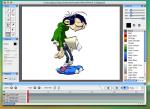 Pencil is cross-platform 2D animation software for GNU/Linux, Windows, and Mac
OS X. Pencil lets you create traditional hand-drawn cartoon animation (think of
drawing frame-by-frame animations on the pages of school notebooks) using both
bitmap and vector graphics. Pencil can export animations as a sequence of PNG
images, a QuickTime movie (but only on Mac OS X), or even as Flash.
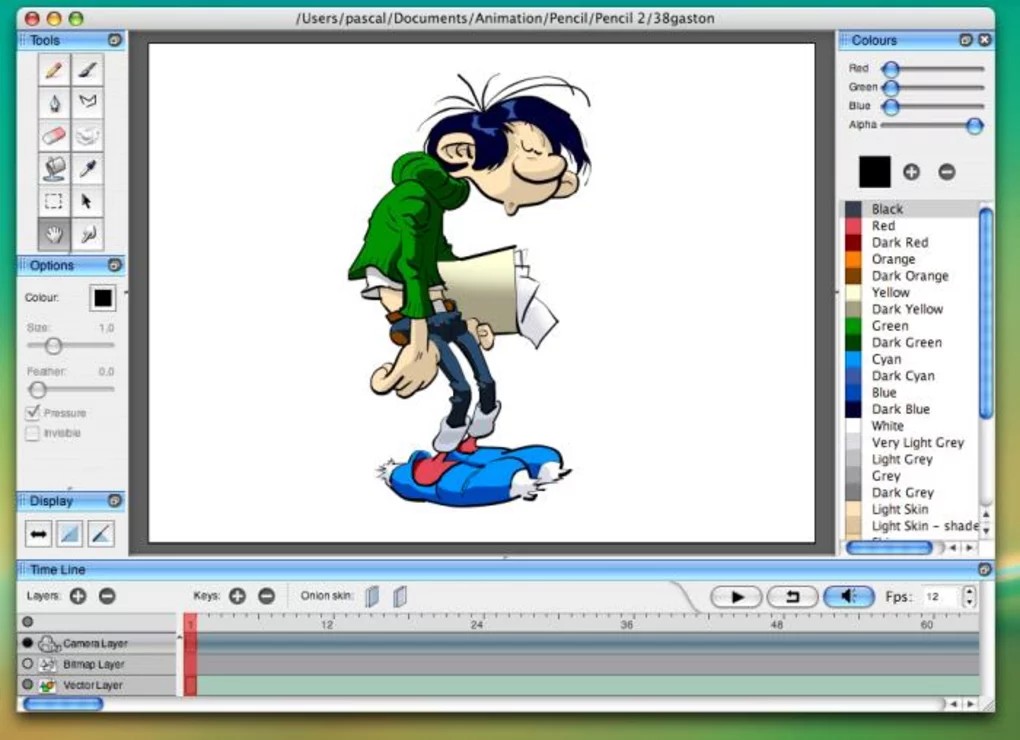
Pencil is cross-platform 2D animation software for GNU/Linux, Windows, and Mac
OS X. Pencil lets you create traditional hand-drawn cartoon animation (think of
drawing frame-by-frame animations on the pages of school notebooks) using both
bitmap and vector graphics. Pencil can export animations as a sequence of PNG
images, a QuickTime movie (but only on Mac OS X), or even as Flash.
Starting out, Pencil was basically an extended version of Patrick Corrieri's "Pencil Planner", but later became full fledged animation software. Pencil was very stable, and with its Adobe-esque Qt graphical user interface, support for vector and Flash export, it really seemed like Pencil would someday allow many to do Flash animation on GNU/Linux.
However, this was when all its dependencies were still compatible with Pencil and each other. Today Pencil is buggy and Flash export is hard to get working, and development is stalled, the latest version is v0.4.4 beta, released on April 4th, 2008, but I believe it is still loosely maintained.
-
F4L ("Flash For Linux")
Homepage: http://f4l.sourceforge.net/
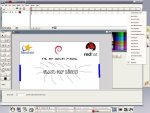 In the prime of its development, "Flash For Linux" became fairly stable on the
distributions available at the time, and achieved a fairly smooth and very
Adobe-esque graphical user interface. Flash output from "Flash For Linux" wasn't
the best, but it was definitely impressive for the time, and its output would
definitely be Gnash friendly enough today. However, F4L is as dead as they come,
it's seemingly unmaintained, and it's definitely not receiving any new features.
F4L is dead floppy-disk-style.
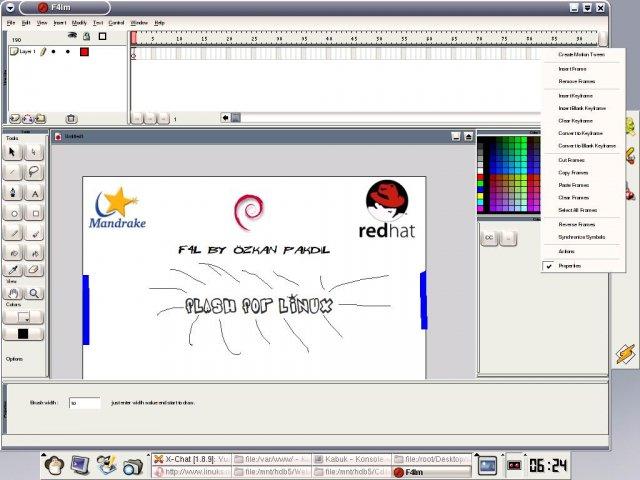
In the prime of its development, "Flash For Linux" became fairly stable on the
distributions available at the time, and achieved a fairly smooth and very
Adobe-esque graphical user interface. Flash output from "Flash For Linux" wasn't
the best, but it was definitely impressive for the time, and its output would
definitely be Gnash friendly enough today. However, F4L is as dead as they come,
it's seemingly unmaintained, and it's definitely not receiving any new features.
F4L is dead floppy-disk-style.
Today it's hard to even get this software to display its graphical user interface, let alone properly render vector graphics and output any kind of file. But this is expected from software that never reached a stable 1.0 release and was last updated in 2005.
This software is no longer compatible with its dependencies, you have to do dirty hacks and tricks, all kinds of workarounds or be running an RPM-based distribution from 2004 to even get this software to function properly. And even if you do it's still not powerful software by any definition.
Is the potential for free animation software dead? Not really. Besides the fact that potential for any kind of free application being developed is basically endless in the Free Software community with the Open Source software development methodology, we still have Synfig Studio.
-
Synfig Studio
Homepage: http://synfig.org/
 Synfig Studio (or simply Synfig) is Free and Open Source 2D animation software,
designed as a powerful industrial-strength solution for creating film-quality
animation using vector and bitmap artwork. It eliminates the need to create
animation frame-by-frame, allowing you to produce 2D animation of a higher
quality with fewer people and resources. Synfig Studio is available for
GNU/Linux, Windows and Mac OS X.
Synfig Studio (or simply Synfig) is Free and Open Source 2D animation software,
designed as a powerful industrial-strength solution for creating film-quality
animation using vector and bitmap artwork. It eliminates the need to create
animation frame-by-frame, allowing you to produce 2D animation of a higher
quality with fewer people and resources. Synfig Studio is available for
GNU/Linux, Windows and Mac OS X.
Synfig Studio is very well maintained, and receives frequent-enough bug fixes and new features, its latest release was Synfig Studio 0.63.00 announced June 5, 2011. Technically no 1.0 release yet either, but they're obviously "pulling-a-VLC" if you would, because Synfig Studio has been around for years (since before 2007) with many releases.
That's not to say that Synfig doesn't have its problems or its fair share of troubles. Synfig has "changed names", and has a number of times seemingly fallen of the face of the internet. I could say a lot of negative things about the interface as well, but really it's a matter of taste. Synfig Studio has the same interface "problems" that GIMP has.
In fact, Synfig's interface is very similar to GIMP's, mainly being GTK+-based and having the ability to attach and detach docks from its windows. Synfig is also similar to GIMP in the fact that there is a tool for every image manipulation, even the simple things like rotation, tilt, move. This is unlike most proprietary solutions that combine these operations to work as handles on the borders of each layer.
Synfig Studio has many different export options such as AVI, Theora and MPEG video, as well as animated graphic formats such as MNG and GIF, and numbered image sequences in formats such as PNG, BMP, PPM and OpenEXR. It can also export as Flash, but not in the manner you'd expect, it exports it as a raster Flash file, pretty much the same output as converting an MPEG video to Flash using FFmpeg (which is basically what it does.) However, even this limited Flash support doesn't function properly in most versions.
Synfig Studio is the best free animation software available in my opinion. It's one of the few that eliminates the tweening process, or rather, automates the tweening process, much like proprietary solutions such as Adobe Flash Professional and SWiSH Max.
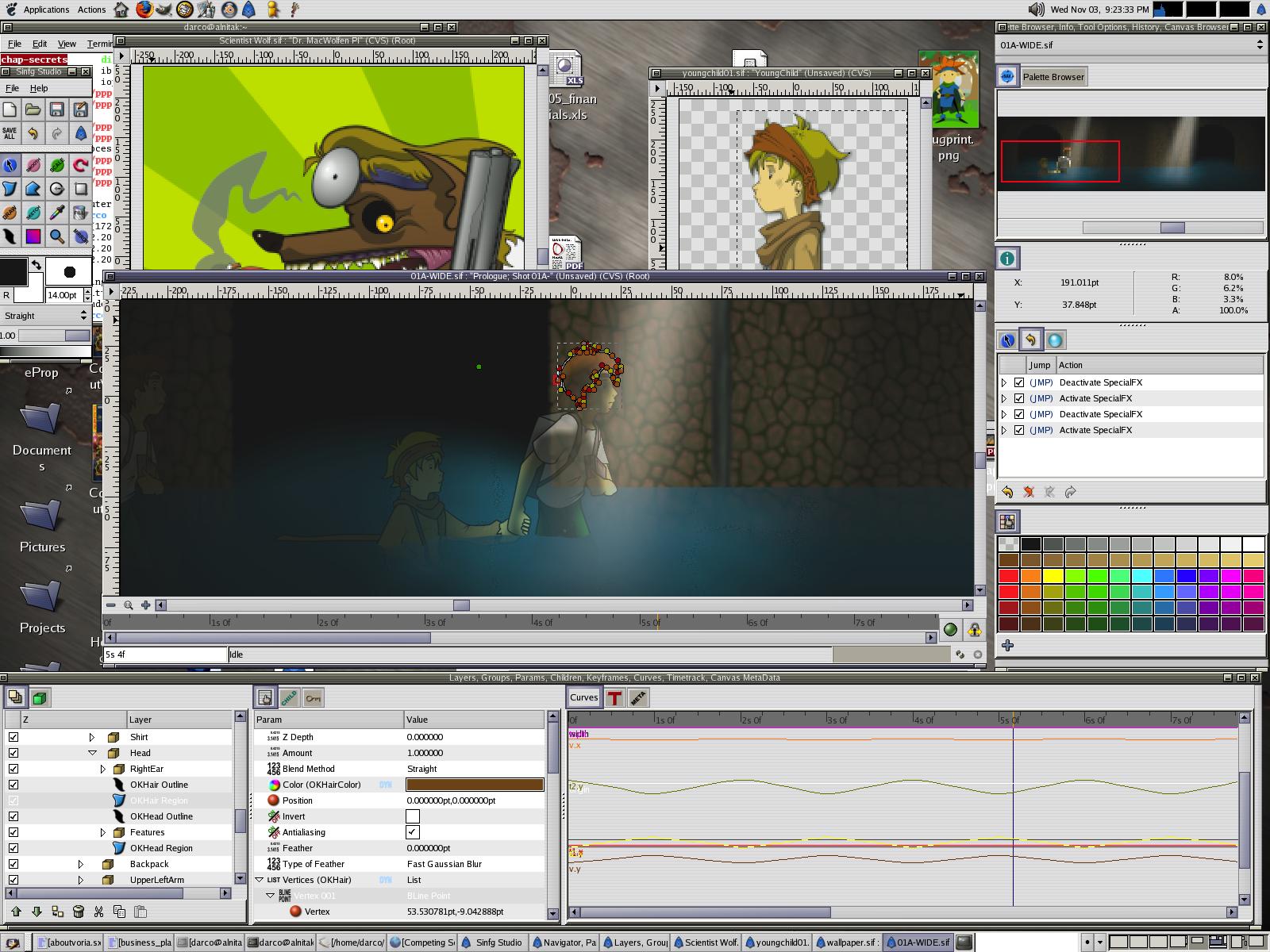
So despite an arguably clunky user interface, and with the web moving away from Flash, Synfig is a great application for 2D animation. And it's only getting better with every release.
Check out this video that YouTube user Kumeelyun made using Synfig Studio and only Free Software:
